



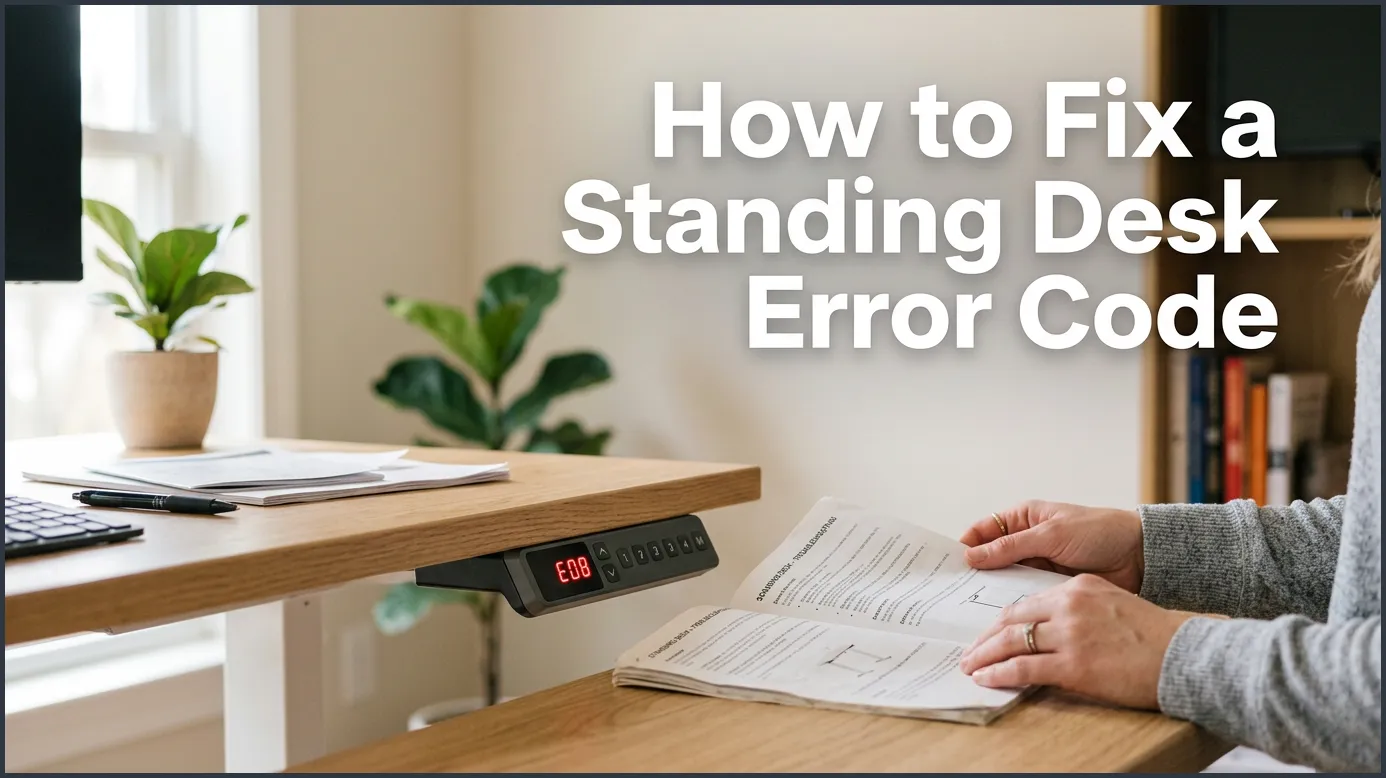
If your standing desk stops working and displays an error code, the quickest solution is to perform a manual reset. By holding down the down-arrow button for several seconds, you can calibrate the desk motors and clear most common errors. This step-by-step guide will help you resolve these issues and get your desk moving smoothly again.
Imagine this scenario. You start your workday with a fresh cup of coffee and a positive attitude. You are ready to tackle your to-do list. You press the button on your standing desk to raise it to your perfect height. But instead of moving, the desk lets out a quiet, high-pitched beep. A strange code flashes on the digital display, and the frame sits completely still.
Your active workspace is suddenly frozen. This can be highly frustrating when you are trying to stay productive throughout the day. Fortunately, you do not need to call a technician or buy a brand-new desk frame. Learning how to fix a standing desk error code is much easier than you might think. Most of these digital hiccups can be solved in just a few minutes with simple troubleshooting steps.
In this comprehensive guide, we will walk you through the most common reasons your desk controller is flashing warning codes. We will cover standard errors for top brands and give you step-by-step instructions to get your desk moving up and down again. Let us dive in and get your workspace back in action.
Key Takeaways
- Resetting is key: Most standing desk errors can be resolved by initiating a simple manual reset of the control box.
- Check the cables: Loose power cords or motor connections under the desktop are a major cause of error codes.
- Clear the path: Collision detection features can trigger errors if there is an obstruction under or above the desk.
- Prevent overheating: Running the motor continuously for too long triggers thermal protection codes that require rest time.
- Decode the screen: Specific error codes like RST, E01, or LOC tell you exactly what is wrong with the mechanics.
- Mind the weight limits: Overloading your desk can cause it to stop and flash a code to protect the lifting system.
📑 Table of Contents
Why Does My Standing Desk Show an Error Code?
When your desk controller flashes a code, it is actually trying to protect itself. Standing desks are complex pieces of furniture. They combine heavy-duty steel frames with sensitive electric motors and smart computer control boxes. When something goes wrong, the control box stops the motors to prevent permanent structural damage.
Power Issues and Loose Connections
The most common culprit behind a sudden error code is a loose wire. Your desk has multiple cables running underneath the desktop. These link the main power outlet, the control box, the keypad, and the individual motors. If you move your desk or have poor cable management, one of these plugs can easily wiggle loose. This breaks the electrical circuit and triggers an instant error code on your display.
Motor Imbalance and Calibration Errors
Many standing desks use dual-motor systems. This means there is one motor in each leg working in perfect harmony. If one leg moves even slightly faster or slower than the other, the desk becomes uneven. The control box detects this imbalance right away. It locks the desk and shows an error code to stop the desk from tipping over or bending the metal frame.
The Universal Reset: How to Fix a Standing Desk Error Code Quickly
If you want to learn how to fix a standing desk error code, you must first master the reset process. This is the golden rule of standing desk repair. A manual reset forces the control box to recalibrate the lowest position of both legs. This aligns the motors and clears minor bugs from the memory.
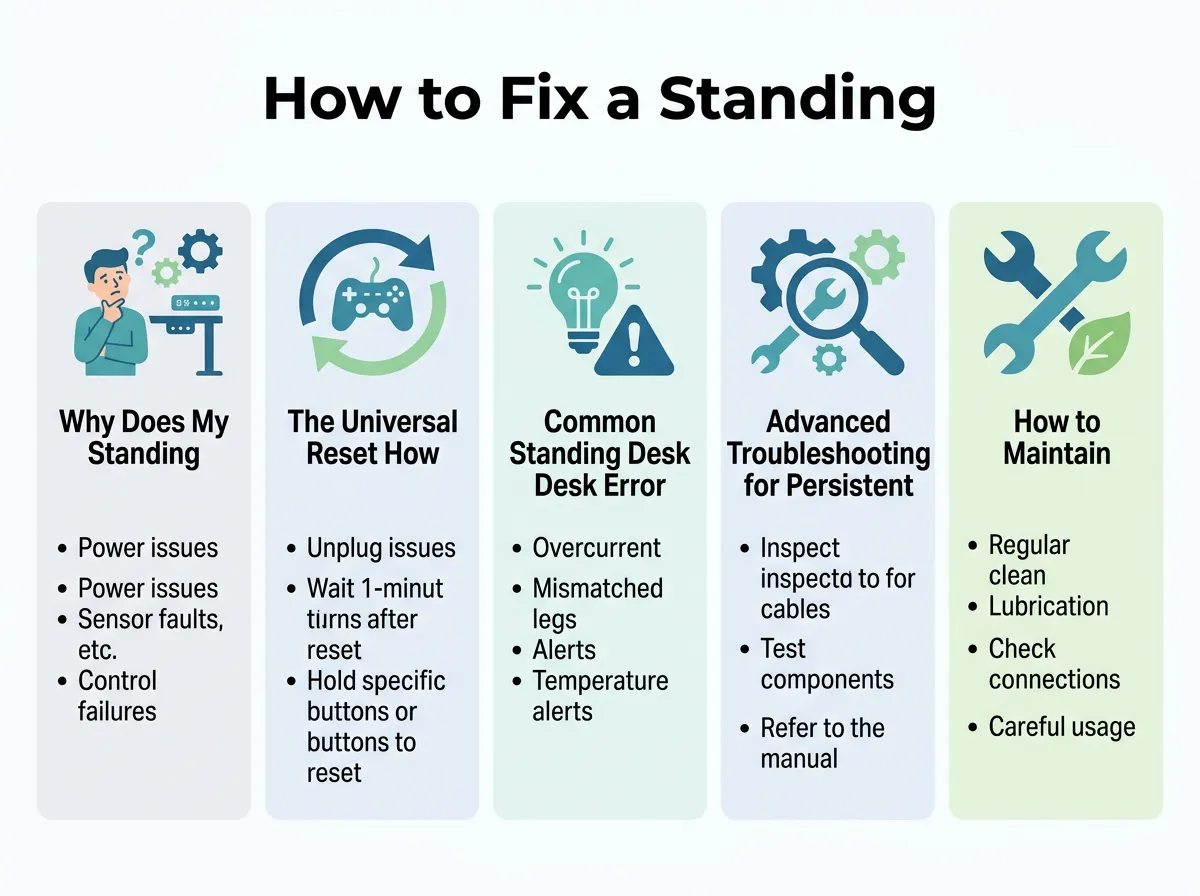
How to Fix a Standing Desk Error Code — key points at a glance
Here are the step-by-step instructions to perform a standard reset on almost any electric standing desk:
- Clear the area: Make sure there are no chairs, filing cabinets, or power strips underneath or directly above the desk.
- Lower the desk: Press and hold the down-arrow button. Let the desk go all the way to its lowest possible position.
- Release the button: Once the desk stops moving, let go of the down button.
- Press and hold again: Press the down button once more and hold it down firmly.
- Watch the screen: After about 5 to 10 seconds, the display may show “RST” or start to flash. Keep holding the button.
- Wait for the movement: The desk will slightly dip down to its absolute limit, rise back up a tiny bit, and beep.
- Release: Once this final physical movement stops, let go of the button. Your desk is now fully reset.
Many users find that these simple uplift desk reset troubleshooting steps work perfectly across various brands. If your desk does not have a digital screen, the reset process remains exactly the same. Just watch for the physical dip and rise of the desk frame to know when the process is complete.
Common Standing Desk Error Codes and What They Mean
Different desk manufacturers use different codes. However, many of them share a very similar error language. Knowing how to read these codes will make it much easier to decide how to fix a standing desk error code without panic.
The RST or RESET Code
Seeing “RST”, “ASr”, or a flashing line on your screen is actually good news. This is not a permanent system failure. It simply means your desk has entered its safety reset mode. This often happens after a sudden power outage, or if the desk was unplugged while it was still moving. To clear this, simply follow the universal reset steps outlined above.
E01, E02, or E07 Error Codes
These “E” codes usually point to a connection issue or an uneven weight load. An E01 or E02 code often means the legs are out of alignment. If you put too much weight on one side of the desk, the motors will struggle to lift evenly. To fix this, remove any heavy items from your desk and run a reset. For a detailed breakdown of these errors, you can consult this standing desk troubleshooting guide understanding error codes. It covers how voltage drops can trigger these specific faults.
Overheat Protection Codes (HOT or E20)
Electric motors generate heat when they work. If you raise and lower your desk repeatedly in a short period, the motors will get warm. To prevent the motors from burning out, the control box will lock the desk and display “HOT” or “E20”. There is no need to panic. Simply leave the desk alone for 15 to 20 minutes. Once the motors cool down to a safe temperature, the error will clear on its own.
Advanced Troubleshooting for Persistent Codes
What happens if you perform a manual reset and the error code remains? Do not worry, as there are still several things you can try. If your desk is completely stuck, you might need to inspect the hardware closer to resolve the issue.
First, try a hard power cycle. Unplug the desk from the wall outlet. Leave it unplugged for at least 10 minutes. This allows any residual power in the control box capacitors to drain completely. While it is unplugged, unplug all cables from the control box under the desk. Check the pins inside the plugs to ensure they are not bent or dirty. Plug everything back in firmly, ensuring you hear a satisfying click from each connection.
Second, check your anti-collision settings. Many modern desks have built-in sensors that stop the desk if it hits an object. Sometimes, these sensors are too sensitive. If your desk hits a tiny bump in your floor or even a thick cable, it will stop and show an error. Ensure nothing is pressing against the legs or the desktop. If your desk still refuses to budge, check these tips on what to do when a standing desk wont move to diagnose potential mechanical blockages.
How to Maintain Your Standing Desk to Avoid Future Errors
Once you know how to fix a standing desk error code, you should take steps to prevent it from happening again. Proper maintenance ensures your workstation remains reliable for years to come.
Keep your cables organized using zip ties or cable trays. This prevents wires from getting snagged when the desk moves up and down. Also, be mindful of the weight limit. Most desks can hold between 150 and 350 pounds, but overloading them puts immense strain on the motors. Try to distribute heavy computer equipment evenly across the surface. Finally, avoid holding down the adjustment buttons for too long once the desk reaches its maximum height.
Conclusion
Dealing with a frozen standing desk can temporarily disrupt your workday, but it is rarely a fatal problem. In nearly all cases, knowing how to fix a standing desk error code comes down to checking your cable connections and performing a quick system reset. By following the steps in this guide, you can easily clear those pesky digital warnings. You will be back to enjoying the health benefits of your active, ergonomic workstation in no time at all.
Frequently Asked Questions
What does RST mean on a standing desk?
The RST code stands for reset. It means your standing desk needs to be calibrated before it can be used again. Simply hold down the down-arrow button until the desk fully lowers, dips, and rises slightly to clear the code.
Why is my standing desk flashing an error code?
Your desk flashes an error code when the control box detects an issue like a loose cable, motor imbalance, or physical obstruction. This is a safety feature designed to protect the motors from burning out or bending the frame.
How do I reset my standing desk?
To reset your desk, hold the down-arrow button until the frame reaches its lowest height. Release the button, then press and hold it again for 5 to 10 seconds until the desk moves slightly and beeps, indicating the calibration is complete.
What should I do if my standing desk displays HOT?
If your display shows HOT, the motors have reached their temperature limit from continuous use. Unplug the desk or leave it idle for 15 to 20 minutes to allow the motors to cool down, and the error will clear itself.
Why is only one side of my standing desk moving?
If only one leg moves, there is a connection issue or a faulty motor on the non-moving side. Unplug all cables, check the connections under the desk, plug them back in securely, and perform a full manual reset.
Can overloading my standing desk cause an error code?
Yes, exceeding the weight capacity of your desk will strain the motors and trigger a safety error code. Remove heavy objects from the desktop and perform a reset to get the motors working again.
