



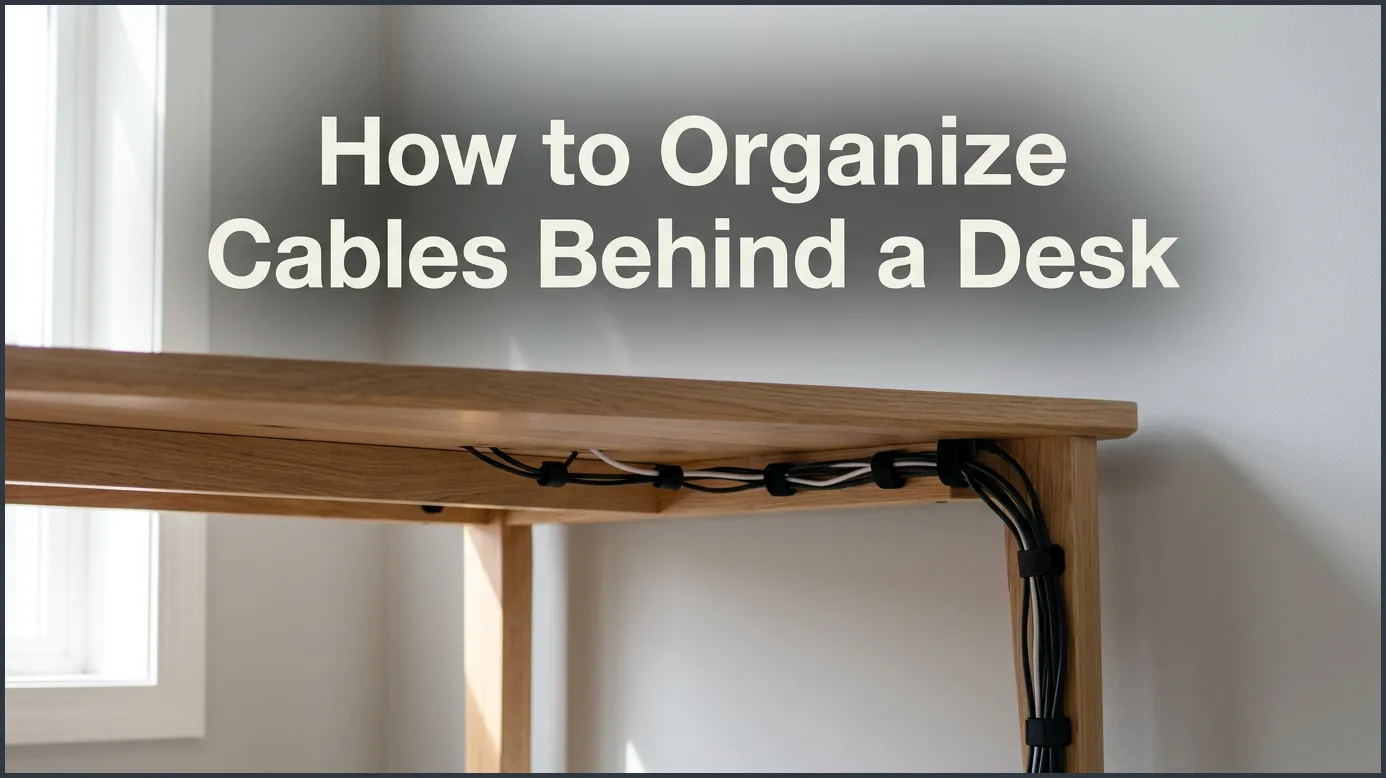
Taming wire clutter is simple when you unplug everything, group your cords, and mount power strips directly under your desktop. By using tools like cable trays, zip ties, and sleeve wraps, you can turn a messy tangle of wires into a clean, safe, and highly productive workspace in less than an hour.
Imagine sitting down at your beautiful workspace, feeling ready to conquer the day. You sit in your chair, look down, and see a scary monster of tangled black cords. It is dusty, messy, and stressful. A messy desk drains your energy and slows you down.
We have all been there. Modern workspaces need a lot of power. We have monitors, computers, lamps, and chargers. All these devices mean a lot of wires. Fortunately, you do not have to live with this chaos. Knowing how to organize cables behind a desk can transform your room and your mood.
This guide will show you how to transform that chaotic mess into a clean oasis. We will cover the best tools, step-by-step strategies, and simple tricks to keep your cords neat forever. Let us get started on making your workspace beautiful.
Key Takeaways
- Start Fresh: Unplug every cable before organizing to prevent tangles and make sorting easy.
- Mount the Power Strip: Keep power bars off the floor by mounting them under your desktop.
- Group and Bundle: Use hook-and-loop ties to bind wires that travel in the same direction.
- Leave Slack: Ensure height-adjustable desks have enough wire length to move safely without pulling.
- Label Everything: Mark your cables on both ends to make future changes quick and stress-free.
- Maintain the Setup: Apply the “one in, one out” rule to keep clutter from returning over time.
📑 Table of Contents
Step 1: Unplug Everything and Start Fresh
The Power of a Clean Slate
To fix the mess, you must first face it. Do not try to organize your wires while they are still plugged in. This only leads to frustration. Instead, turn off your devices and unplug every single cord from the wall and your computer. Lay everything out flat on the floor so you can see what you have.
Sort and Clean Your Gear
Once everything is unplugged, group your devices together. Place your monitor cables in one pile and your computer tower cords in another. While everything is unplugged, take a moment to wipe away the dust. Dust loves to collect around warm wires. Cleaning now prevents dust bunnies from building up later. This is also a great time to read through discussion boards like this Quora thread on managing cables beneath desks to see how other people handle their specific hardware layouts.
Step 2: Mount Your Power Strip Under the Desk
Why the Floor is the Enemy
The secret to a clean floor is to lift your power source. Never leave your power strip sitting on the carpet. It gathers dust, looks messy, and gets in the way of your feet. When the power strip is on the floor, every cable naturally drapes down and creates a giant tangle.
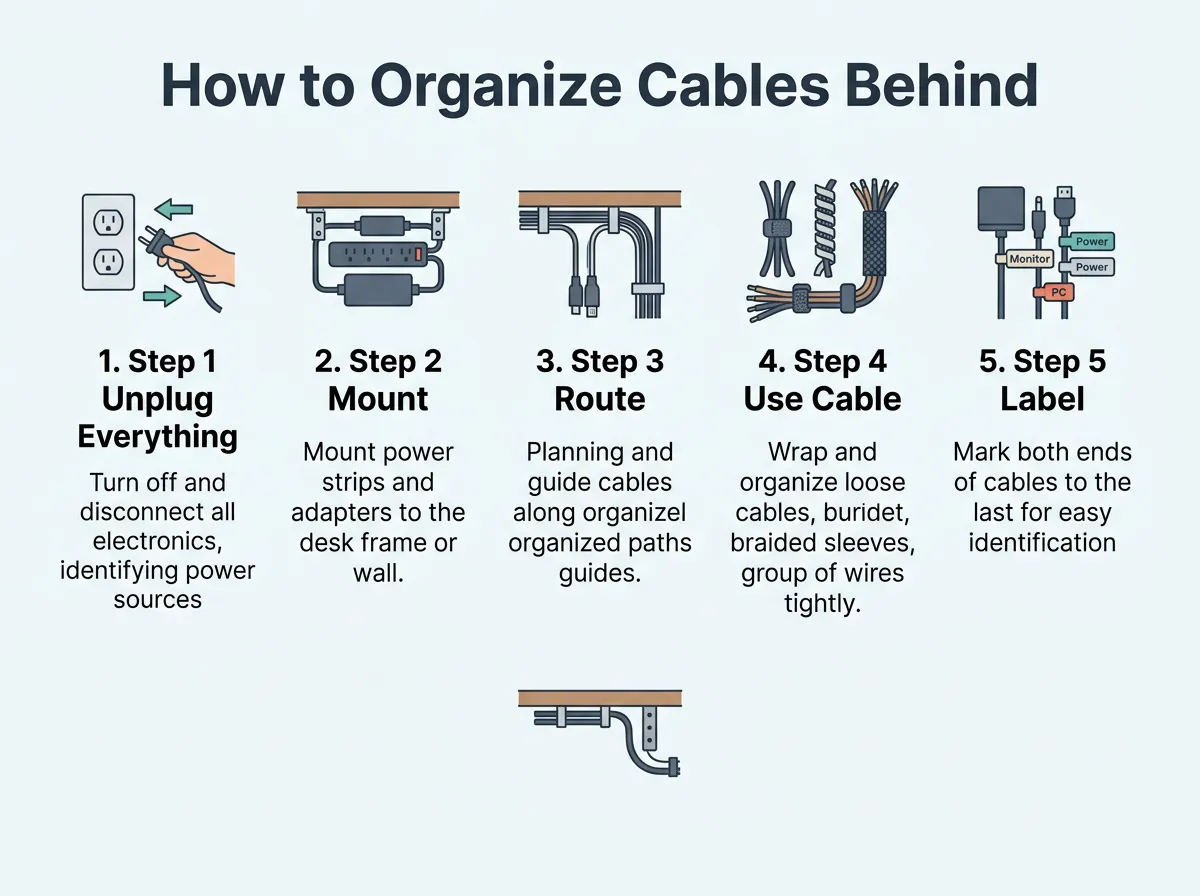
How to Organize Cables Behind a Desk — key points at a glance
How to Mount It Safely
Instead, mount your power strip directly to the underside of your desk. Most power strips have small holes on the back for mounting. You can use small wood screws to secure it under your wooden desktop. If you do not want to drill holes into your furniture, use heavy-duty double-sided tape or hook-and-loop strips. For a deep dive into perfect desk layouts, you can review this step-by-step under-desk cable management guide to ensure your workspace remains safe and functional.
Step 3: Route and Group Your Cables
Group by Destination
Now that your power source is mounted, it is time to route your wires. Do not let them hang loose. Instead, group them by where they need to go. For example, bundle all your monitor cables together because they travel to the same place. Group your mouse and keyboard wires together as well.
Use Velcro and Sleeves
Avoid using cheap plastic zip ties if you can. They are sharp when cut, and you must snip them every time you want to move a device. Instead, use reusable hook-and-loop straps. If you want to achieve true desk minimalism, you can use these soft wraps to bundle multiple cords into a single clean sleeve, as suggested in this guide to desk minimalism by Velcro. This makes your entire setup look like it has only one or two neat cords running down the leg.
Step 4: Use Cable Trays and Runways
Choosing the Right Tray
Sometimes, cables are just too long. You might have three feet of extra wire hanging down. This is where a cable tray comes in handy. Cable trays are metal or plastic baskets that hang under the back edge of your desk. They act as a hidden shelf for all your messy cords.
Hiding the Excess Slack
You can toss all the excess slack and heavy power bricks right into the tray. It holds them up and keeps them completely out of sight. Setting this up is very similar to the steps found in this gaming setup cable management guide, which emphasizes using trays to keep heavy gaming gear looking sleek and safe. If you have a standing desk, a tray is a must-have tool. It prevents your cords from pulling or snapping when you raise the desktop.
Step 5: Label Your Cables for the Future
The Two-End Label Rule
Have you ever unplugged the wrong wire? It can be very frustrating to shut down your computer by accident. To avoid this, label every cable on both ends. This small step saves you hours of head scratching later on when you need to move a device.
Color-Coding Tricks
You do not need an expensive label maker. A simple piece of masking tape wrapped around the wire works perfectly. Write “Monitor Power” or “Keyboard” on the tape near the plug and near the device. You can also use different colored tape for different devices. This makes it incredibly easy to swap out devices in the future. You will never have to play the guessing game again.
Step 6: Maintain Your Clean Setup
The One In, One Out Rule
Once your desk is neat, you want to keep it that way. Cable organization is not a one-time event. It is a habit. When you buy a new device, do not just toss its cord behind the desk. Take two minutes to route it through your existing bundles.
Regular Dusting Habits
If you remove an old device, take its cord out completely. Keep a small bin of extra ties and tape nearby so you can make quick fixes whenever your setup changes. Every few months, look under your desk. Wipe away any dust that has gathered. This keeps your workspace clean, safe, and looking brand new.
Conclusion
Learning how to organize cables behind a desk does not take a lot of money or time. With a few simple tools like Velcro ties, a cable tray, and some tape, you can turn chaos into calm. A clean desk helps you focus and makes your room feel spacious. Set aside one hour this weekend to clear the clutter. You will be amazed at how much better you feel when the wire monster is finally gone.
Frequently Asked Questions
What is the easiest way to hide cables behind a desk?
The easiest way to hide cables is to mount your power strip under your desk using adhesive strips or screws. Once the power strip is lifted, you can bundle your loose cords together using reusable Velcro straps to keep them off the floor and out of sight.
Can I use zip ties to organize my desk cables?
Yes, you can use zip ties, but reusable hook-and-loop straps are much better. Plastic zip ties must be cut off every time you want to move a device, which can accidentally damage your cords. Reusable straps are safer and easier to adjust.
How do I manage cables on a standing desk?
For a standing desk, you must use a cable tray mounted under the desktop and leave enough slack in the main power cable. This ensures that when the desk rises to its full height, the cords do not pull, stretch, or unplug from the wall.
Are cable management boxes worth it?
Yes, cable management boxes are excellent for hiding power strips and excess wire slack if you cannot mount them under your desk. They sit neatly on the floor or desktop, keeping cords enclosed and safe from dust, pets, and vacuum cleaners.
How do I keep my cables from sliding off the back of my desk?
You can use small adhesive cable clips or weighted cord holders on the edge of your desk. These clips hold the ends of your chargers and cables in place when you unplug your laptop or phone, preventing them from falling to the floor.
Is cord clutter a fire hazard?
Yes, tightly tangled cords can trap heat and accumulate large amounts of dry dust, which increases fire risks. Organizing your cables improves airflow, prevents damage to the wires, and makes your workspace much safer.
