



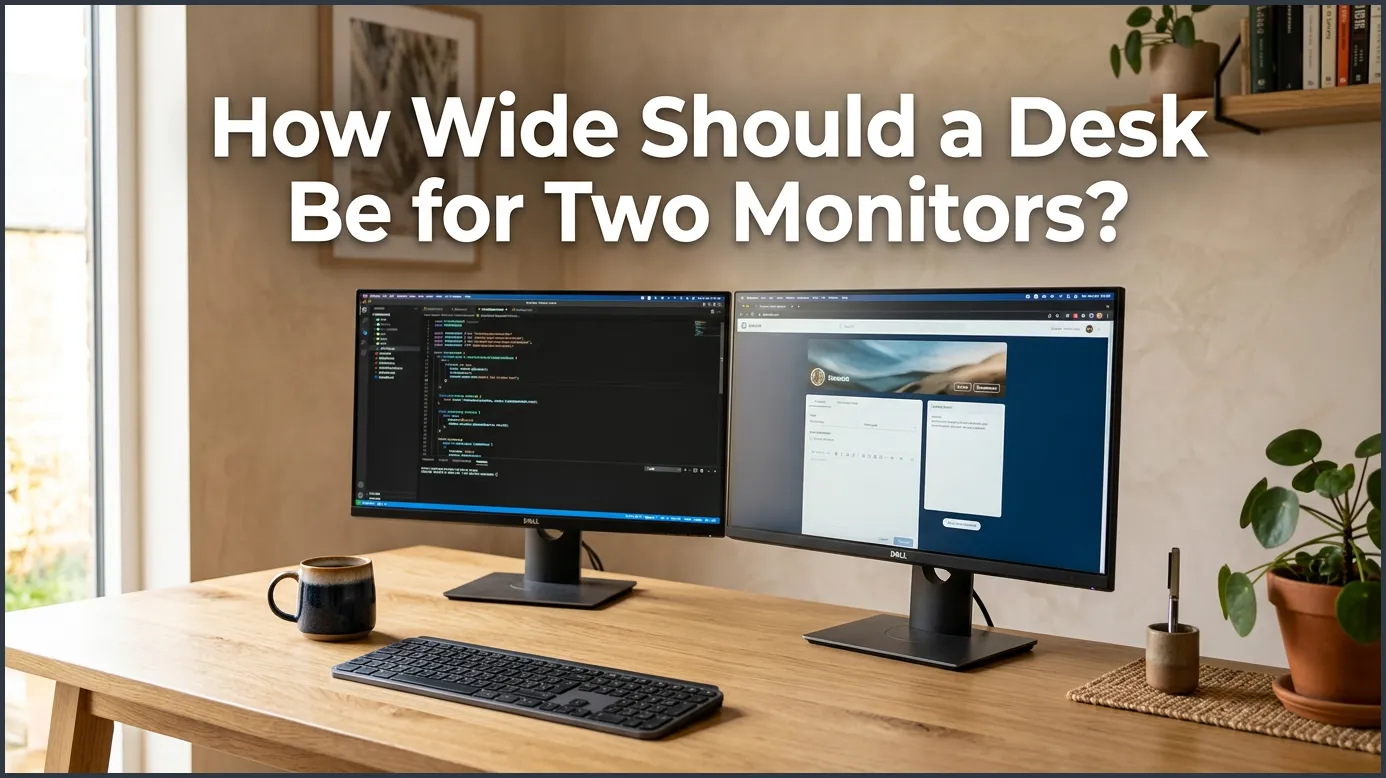
For a comfortable dual-screen setup, your desk should be at least 47 to 55 inches wide. If you use larger 27-inch screens or want to place your computer tower on the desktop, a width of 60 inches or more is highly recommended. Pairing this with a desk depth of 30 inches ensures a spacious, clutter-free, and ergonomic workspace.
Picture this. You just bought a second monitor. You are excited to boost your daily productivity. You unbox the screen, set it on your desk, and realize there is no room left for your keyboard. Your mouse is crammed against the edge. Your coffee cup is in danger of spilling. This is a very common issue for remote workers and gamers alike.
Upgrading to a dual-screen layout is a great way to get more work done. But your screens need a proper home. If your workspace is too small, you will feel cramped and uncomfortable. So, how wide should a desk be for two monitors? In this guide, we will break down the ideal dimensions, explore different monitor sizes, and help you design the perfect workstation.
Key Takeaways
- Minimum Width: A 47-inch desk is the absolute minimum required to fit two small monitors side by side.
- The Sweet Spot: A 55-inch to 60-inch desk offers the best balance of workspace, comfort, and room for accessories.
- Monitor Size Matters: Two 27-inch monitors will need a desk that is at least 55 inches wide, though 60 inches is ideal.
- Don’t Forget Depth: A desk depth of 30 inches is crucial to keep screens at a safe, comfortable viewing distance.
- Use Monitor Arms: Mounting your screens on adjustable arms frees up valuable desktop surface space.
- Tower Placement: If you plan to keep your computer tower on the desk, add an extra 10 to 12 inches to your width calculation.
📑 Table of Contents
Understanding the Basics of Dual-Monitor Setups
When you set up two screens, you cannot just think about the physical plastic frames. You must think about how you actually use your workspace. You need room for your hands, your input devices, and your daily notes.
The Screen Size Factor
Monitors are measured diagonally. A 24-inch screen is not actually 24 inches wide from left to right. It is usually about 20 to 22 inches wide. When you put two of these screens side by side, they take up about 40 to 44 inches of horizontal space. If you angle them toward you, which is better for your neck, they will take up slightly less horizontal width but more physical depth.
Desk Width vs. Desk Depth
Many people focus only on desk width. However, desk depth is just as important. If your desk is very wide but very shallow, your screens will be too close to your face. This can cause severe eye strain and neck pain. You want a balance of both dimensions to create a comfortable setup.
Minimum vs. Recommended Desk Widths
There is no single answer to this question because everyone has different gear. However, we can break desk sizes down into three main categories to help you choose.
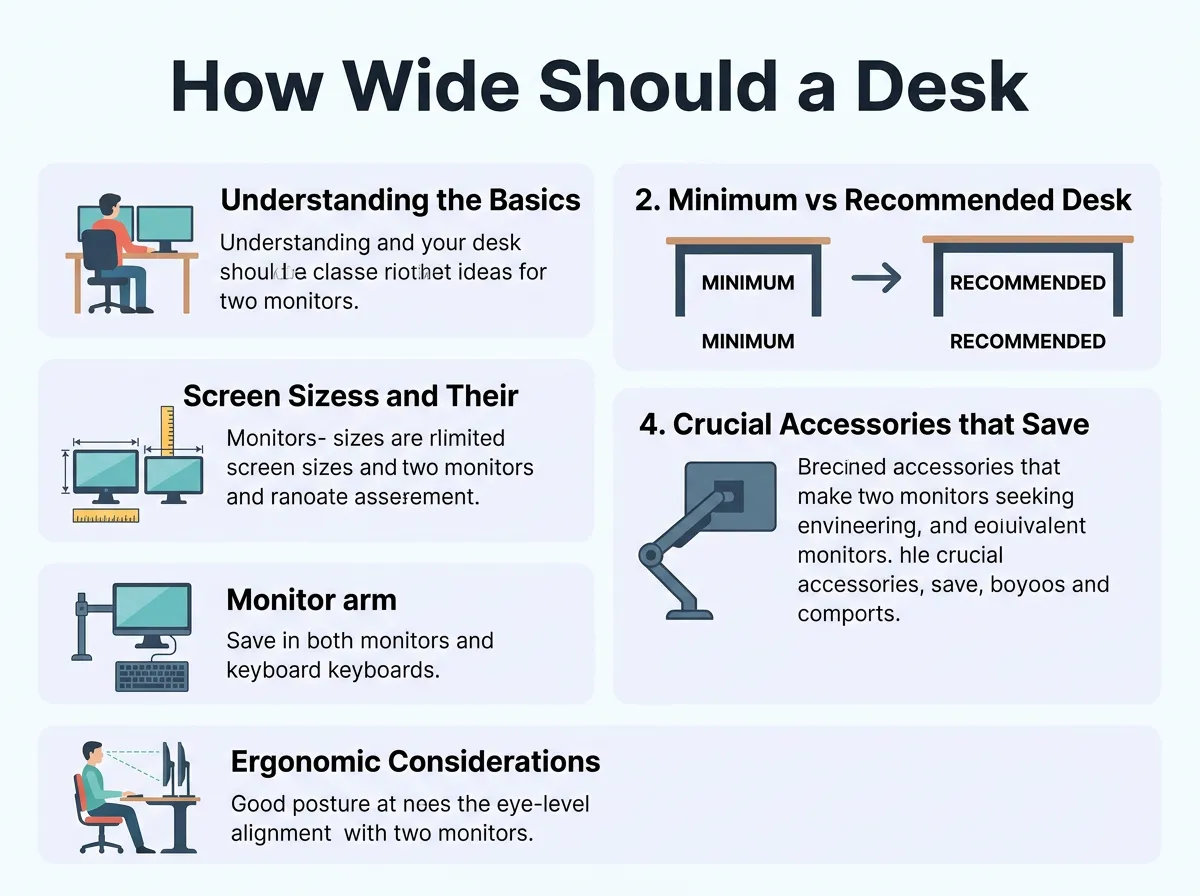
How Wide Should a Desk Be for Two Monitors? — key points at a glance
The Bare Minimum: 47 Inches
Can you get away with a small desk? Yes, but it will be tight. A 47-inch desk is the absolute smallest option for a dual-monitor setup. If you have two 24-inch screens, they will fit, but they will reach all the way to the edges of the desk. You will not have any room for desktop speakers, a desk lamp, or your morning cup of coffee. Your computer tower will definitely have to sit on the floor.
The Sweet Spot: 55 to 60 Inches
For most professionals, this is the magic range. A 55-inch or 60-inch desk gives you plenty of breathing room. You can easily center your screens and still have space on the sides. It allows you to place a notepad, a phone stand, and some nice speakers on your desk. For more details on choosing the right size, check out this helpful desk size for two monitors guide.
Maximum Comfort: 72 Inches and Beyond
If you are a gamer, a creative editor, or someone who loves a clean look, look for a 72-inch desk. This size is massive. It easily fits two large monitors, a big keyboard pad, and your beautiful computer tower. You can even add a third screen or a laptop on a stand without feeling crowded.
Screen Sizes and Their Specific Space Requirements
Let’s look at some real-world examples. Your desk choice should match the specific screens you plan to use.
Double 24-Inch Monitors
Two 24-inch screens are very common in offices. They are compact and easy to manage.
- Total screen width: About 42 inches.
- Best desk width: 47 to 55 inches.
- Best desk depth: 24 to 30 inches.
This setup fits well in small bedrooms or tight home offices.
Double 27-Inch Monitors
Two 27-inch displays are the gold standard for creative work and gaming. They offer more screen real estate but require a much larger surface.
- Total screen width: About 48 to 50 inches.
- Best desk width: 55 to 60 inches.
- Best desk depth: 30 inches.
Using a small desk for these screens will feel very crowded, which is why choosing the right desk size for dual monitors is so vital to prevent clutter.
Large 32-Inch Monitors or Ultrawides
If you love massive screens, you need a heavy-duty desk.
- Total screen width: About 56 to 60 inches.
- Best desk width: 60 to 72 inches.
- Best desk depth: 30 to 36 inches.
With screens this large, a shallow desk will make you feel like you are sitting in the front row of a movie theater. Keep them far enough away to protect your eyes.
Crucial Accessories that Save Desk Space
If you are stuck with a smaller desk, do not worry. You can use smart tools to maximize your available space.
The Magic of Monitor Arms
Standard monitor stands are bulky. They take up a lot of room right in the middle of your desk. By switching to a dual monitor arm, you lift the screens off the desk. This opens up the space underneath your screens. You can use this newly freed space for your keyboard, notebook, or docking station.
Under-Desk Mounts and Shelves
Keep your desktop clean by mounting your power strips and cables under the desk. You can also buy a desk shelf. A desk shelf raises your screens slightly and gives you a neat little cubby underneath to store pens, hard drives, and sticky notes.
Ergonomic Considerations for Your Dual-Monitor Desk
Ergonomics is all about working safely and comfortably. Setting up your monitors correctly can prevent chronic back, neck, and eye pain.
Safe Viewing Distances
Your screens should be about an arm’s length away from your eyes. This is roughly 20 to 30 inches. If your screens are closer than 20 inches, you will strain your eyes. If they are too far, you will squint and lean forward, which ruins your posture. Evaluating the space requirements for a dual-screen setup can help you map out the perfect layout.
Finding the Perfect Desk Depth
To maintain a proper viewing distance, avoid desks that are only 20 inches deep. Look for a desk with a depth of at least 24 inches, though 30 inches is much better. A deeper desk gives you plenty of room to rest your forearms comfortably on the surface while typing.
How to Choose the Right Desk for Your Space
Before you buy, measure your room. Think about your habits and how you like to work.
Straight Desks vs. L-Shaped Desks
A straight desk is simple and classic. It fits easily against any wall. However, an L-shaped desk is amazing for dual monitors. You can put one monitor on the left side and one on the right side. This wraps the screens around you naturally, creating an immersive workstation.
Standing Desks vs. Traditional Desks
Standing desks are great for your health. They let you change positions throughout the day. Just keep in mind that standing desks have weight limits. Two screens, two heavy stands, and a computer tower can add up quickly. Make sure the motor of your standing desk can handle the weight of all your gear.
Conclusion
So, how wide should a desk be for two monitors? While you can squeeze two small screens onto a 47-inch desk, it is not ideal. For a truly comfortable, productive, and ergonomic setup, aim for a desk that is at least 55 to 60 inches wide and 30 inches deep. This size protects your physical health, keeps your gear organized, and gives you plenty of room to do your best work. Measure your space, choose the right accessories, and enjoy your spacious new dual-screen setup!
Frequently Asked Questions
What is the minimum desk width for two 27-inch monitors?
The absolute minimum desk width for two 27-inch monitors is 55 inches. However, a 60-inch desk is highly recommended to give you enough space for your mouse, keyboard, and other desk accessories without feeling cramped.
Can two monitors fit on a 48-inch desk?
Yes, two 24-inch monitors can fit on a 48-inch desk, but it will be a very tight squeeze. The screens will reach all the way to the outer edges of the desk, leaving no extra space for speakers or accessories.
How deep should a desk be for a dual-monitor setup?
Your desk should be at least 24 to 30 inches deep. This depth ensures your screens are kept at a safe arm’s length distance, which helps prevent eye strain and neck fatigue.
Should I use a single dual-monitor arm or two single arms?
A dual-monitor arm is excellent for saving space and keeping your screens perfectly aligned. However, two single arms offer more flexibility if you want to position one screen vertically and the other horizontally.
Where should I place my computer tower in a dual-monitor setup?
If your desk is 60 inches or wider, you can safely place your tower on the desktop. If your desk is smaller than 55 inches, it is best to place the tower on the floor or on a small side stand to save surface space.
Is an L-shaped desk good for two monitors?
Yes, L-shaped desks are fantastic for dual-screen setups. They allow you to place your screens in the corner curve, which naturally wraps the displays around your field of view for better ergonomics.
