



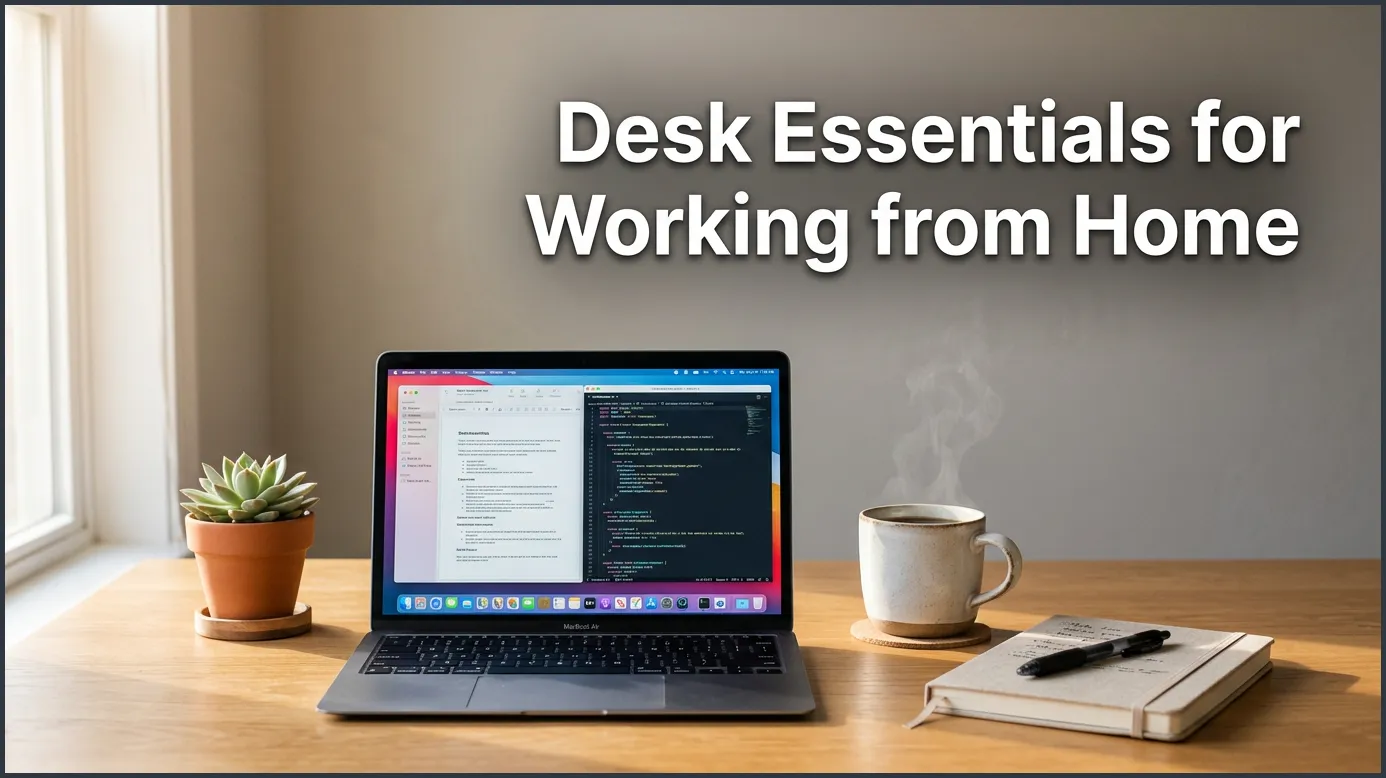
Setting up a productive workspace requires a careful balance of comfort, organization, and technology. By investing in ergonomic furniture, reliable tech tools, and smart organizational accessories, you can transform any corner of your house into a high-functioning home office. Focus on key elements like an adjustable chair, proper lighting, and clutter-reducing tools to boost your daily efficiency and protect your physical health.
Imagine waking up, grabbing your favorite mug of coffee, and walking just a few steps to your workspace. No stressful traffic. No crowded trains. Working from home is a dream for many, but it can quickly turn into a headache if your workspace is not set up correctly. You might find yourself slouching on a couch, dealing with neck pain, or searching through piles of messy papers just to find a pen. Your home office should be a place where you feel inspired, focused, and comfortable.
Creating the perfect workspace does not have to be hard or expensive. It is all about choosing the right tools to support your body and mind throughout the day. With a few smart adjustments, you can transform any corner of your home into a productive powerhouse. When we think of the ideal workspace, the right Desk Essentials for Working From Home come to mind. Focusing on these key items will make a massive difference in how you feel each day.
In this guide, we will walk you through the absolute best items to upgrade your space. From ergonomic chairs that save your back to clever tools that keep your wires tidy, we have you covered. Let us dive in and look at the simple upgrades that can make your remote work life much happier and healthier.
Key Takeaways
- Ergonomics matter most: A supportive chair and adjustable desk protect your body from long-term strain and fatigue.
- Invest in good lighting: Mixing natural light with a dedicated desk lamp reduces eye strain and keeps you energized.
- Declutter your space: Keeping your desk clean with simple organizers helps clear your mind and improves daily focus.
- Upgrade your tech basics: A high-quality mouse, keyboard, and external monitor will significantly speed up your workflow.
- Personalize your setup: Adding small personal touches, like plants or art, makes your workspace inviting and boosts your mood.
📑 Table of Contents
1. Ergonomic Furniture: The Foundation of Comfort
When you sit for eight hours a day, comfort is your best friend. Your furniture is the most important part of your remote setup. Investing in high-quality ergonomic furniture is the first step when listing your Desk Essentials for Working From Home.
Finding the Perfect Chair
Your chair is your throne. A bad chair will cause back pain and make you feel tired. Look for a chair that lets you adjust the height, armrests, and lower back support. Your feet should rest flat on the floor, and your knees should be at a ninety-degree angle. This simple shift keeps your spine aligned and helps you stay focused for longer periods.
The Magic of Standing Desks
Sitting all day can make you feel sluggish. An adjustable standing desk is a fantastic addition to your collection of Desk Essentials for Working From Home. These desks let you switch from sitting to standing with the press of a button. Standing for just an hour or two during your workday boosts your energy and burns extra calories. It also keeps your blood flowing and helps you beat that mid-afternoon slump.
2. Tech Upgrades That Speed Up Your Day
Slow or awkward tech can ruin a good work day. When you work remotely, your computer tools are your lifeline. Getting the right hardware is a vital part of planning your Desk Essentials for Working From Home. Before you buy anything else, consider which tech upgrades will solve your daily bottlenecks.
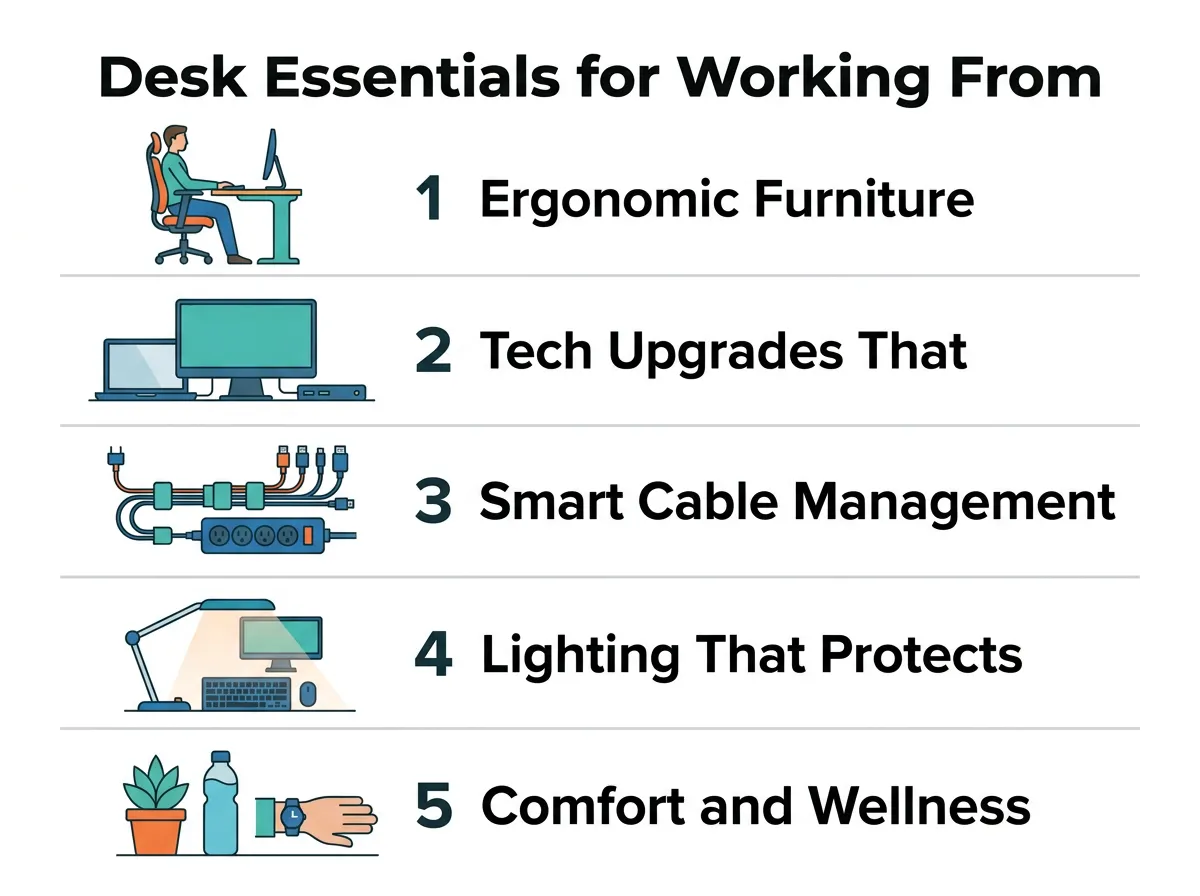
Desk Essentials for Working From Home — key points at a glance
Monitors for Multi-Tasking
Working on a tiny laptop screen is hard on your eyes. It also makes it difficult to open multiple files at once. Adding a large external monitor changes everything. A twenty-seven-inch screen gives you plenty of room to write, read, and look at spreadsheets. For the best view, set the top of your monitor at eye level. This stops you from tilting your head down, which saves your neck from pain.
Silent and Smooth Input Devices
Your laptop trackpad is fine for quick trips, but it is not great for a full day of work. A wireless mouse and an ergonomic keyboard are essential tools. They help your hands rest in a natural position, which prevents wrist pain. Look for a mouse that fits the shape of your palm and a keyboard with quiet keys. If you make a lot of video calls, a quiet keyboard is a lifesaver for taking notes silently.
3. Smart Cable Management and Organization
A cluttered desk leads to a cluttered mind. When cords and papers are scattered everywhere, it is hard to focus on your tasks. That is why organizational tools are top Desk Essentials for Working From Home.
Taming the Wire Jungle
Take a look under your desk. If you see a messy pile of black cords, it is time for a fix. You can use cheap cable sleeves or clips to bind your wires together. Under-desk cable trays are also amazing. They hide your power strips and keep all your cords off the floor. A neat desk looks great and makes your room feel much more peaceful. These simple helpers are basic Desk Essentials for Working From Home that people often forget.
Desktop Trays and Organizers
Keep your daily tools within arm’s reach. A simple desk organizer can hold your pens, sticky notes, and lip balm. You can also use a small tray to hold your keys and phone. When everything has a home, you waste less time searching for items. This keeps you in the zone and helps you get your work done faster.
4. Lighting That Protects Your Eyes
Bad lighting can cause headaches and eye strain. If your room is too dark, your eyes have to work extra hard to read your screen. Adding proper lights is a key part of your Desk Essentials for Working From Home list. This is why high-quality lighting products are such valued tools for remote employees.
Screen Bars and Desk Lamps
A monitor light bar is a modern tool that sits on top of your screen. It shines light down onto your desk without creating glare on your screen. This is perfect for late-night projects. If you prefer a classic style, a simple adjustable desk lamp with warm light works wonders. Warm light is gentle on the eyes and makes your workspace feel cozy.
Embracing Natural Light
Whenever possible, place your desk near a window. Natural light lifts your mood and keeps your sleep cycle on track. Just make sure your screen is not facing the window directly, as this can cause a glare. Instead, place your desk perpendicular to the window to get the best light without the annoying reflection.
5. Comfort and Wellness Accessories
To stay happy while working, you need to look after your health. Wellness items are often overlooked, but they are crucial Desk Essentials for Working From Home. They make your workspace feel less like an office and more like a comfortable retreat. Adding wellness-focused Desk Essentials for Working From Home can prevent common physical aches before they start.
Footrests and Seat Cushions
If your chair is a bit too high or firm, you do not need to buy a new one right away. A memory foam seat cushion can make any chair feel soft and supportive. A simple under-desk footrest can also help. It supports your legs and keeps your hips in a better position, which improves your circulation.
Hydration and Air Quality
It is easy to forget to drink water when you are busy. Keep a large, insulated water bottle on your desk to remind you to hydrate. You might also want to add a small desk humidifier. This adds moisture to the air, which keeps your skin and eyes from drying out, especially in winter.
6. Personalizing Your Remote Work Haven
Your home office does not have to look like a boring corporate cubicle. It is your home, so you should make it your own! Personal touches are important Desk Essentials for Working From Home because they keep you happy and motivated.
Adding Greenery and Art
A small green plant can bring life to your desk. Plants like pothos or succulents are very easy to care for and look beautiful. They also clean the air! You can also hang up art prints or photos of your family and pets. Looking at things you love can give you a quick boost of joy during a tough day.
Managing Daily Distractions
Working from home can be noisy. Kids playing, dogs barking, or neighbors mowing the lawn can break your focus. Noise-canceling headphones are absolute lifesavers. They help you block out the world and enter your deep work zone. Adding a pair of these headphones to your collection of Desk Essentials for Working From Home is one of the best choices you can make.
Conclusion: Build Your Perfect Workspace Today
Creating a great home office is a journey, not a quick task. You do not have to buy everything at once. Start with the most important Desk Essentials for Working From Home, like a comfortable chair and good lighting. As time goes on, you can add small organizers and personal decorations to make the space truly yours.
When your workspace is comfortable and organized, your work feels easier. You will have more energy, less pain, and a clearer mind. Take a look at your current setup today. What is one small change you can make to enjoy your work day even more? Your body and mind will thank you for making the upgrade!
Frequently Asked Questions
What is the most important desk essential for remote work?
An ergonomic chair is the most important essential because it directly protects your body from pain and fatigue. Investing in supportive seating prevents long-term back issues and helps you stay focused throughout the day. Without a good chair, other tools cannot fully make up for the physical strain on your body.
How can I make my home office setup more ergonomic on a budget?
You do not need to spend a fortune to improve your posture. You can use a stack of sturdy books to raise your monitor to eye level and place a small pillow behind your lower back for extra support. Additionally, a folded towel under your feet can act as a simple footrest to improve your leg circulation.
Are standing desks really worth the investment?
Yes, standing desks are highly beneficial because they encourage movement and reduce the time you spend sitting. Switching between sitting and standing throughout the day boosts your energy levels and improves blood flow. This small change can prevent the mid-day slump and help you stay alert.
How do I choose the best lighting for my workspace?
The best setup combines natural sunlight with a dedicated, adjustable task light. Place your desk perpendicular to a window to avoid glare on your screen while enjoying natural brightness. For artificial light, choose a warm LED desk lamp or a monitor light bar to protect your eyes from strain.
What is the easiest way to organize messy computer cables?
The easiest way to tidy up cords is by using basic cable ties, sleeves, or an under-desk cable tray. Grouping cords together and keeping them off the floor immediately makes your workspace look cleaner and more professional. This quick fix reduces visual clutter and prevents tripping hazards under your desk.
How can I personalize my desk without creating clutter?
You can add personal touches by choosing small, functional items that serve a double purpose, such as a stylish pen holder or a colorful mouse pad. Adding one or two small potted plants also brings life to your desk without taking up much space. Keeping decorations limited ensures your desk remains a calm, productive workspace.
